Visual Design: Functional vs. Decorative
e-learning microlesson
Audience: Visual designers, including instructional designers, and UX/UI designers.
Responsibilities: Script writing, storyboarding, visual design, development
Problem Solved: Sustaining learner motivation is a constant challenge when overwhelming layouts and decorative clutter compete for a student's attention. This microlesson explicitly breaks down the difference between functional and decorative visuals, intentionally removing design noise to transform traditional e-learning text into a beautifully clean, immersive, and highly motivating environment.
Tools: Adobe Captivate, Figma, Generative AI images
Timeline: April - May 2026
Instructional Strategies: Recursive Design Structure, Gagne’s Nine Events of Instruction, ARCS Motivation Simulation, Click and Reveal Question, Exercises, and Click and Reveal
Project Overview
This course was designed to help explicitly break down the difference between functional and decorative visuals in a emersive learning world. This microlesson eliminates distracting design noise to protect student attention and unlock a highly motivating, immersive learning environment.
Design Process & Storyboarding
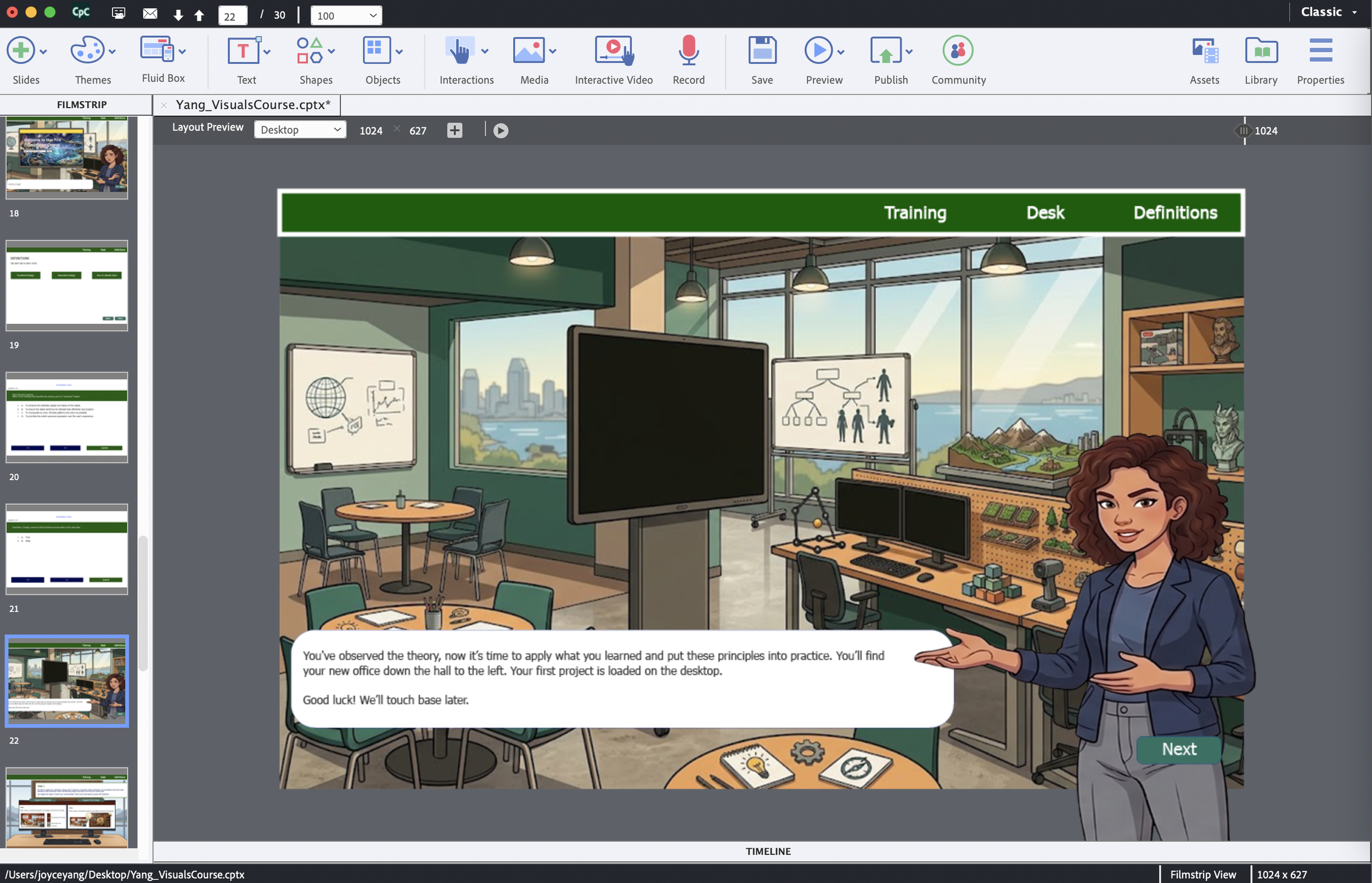
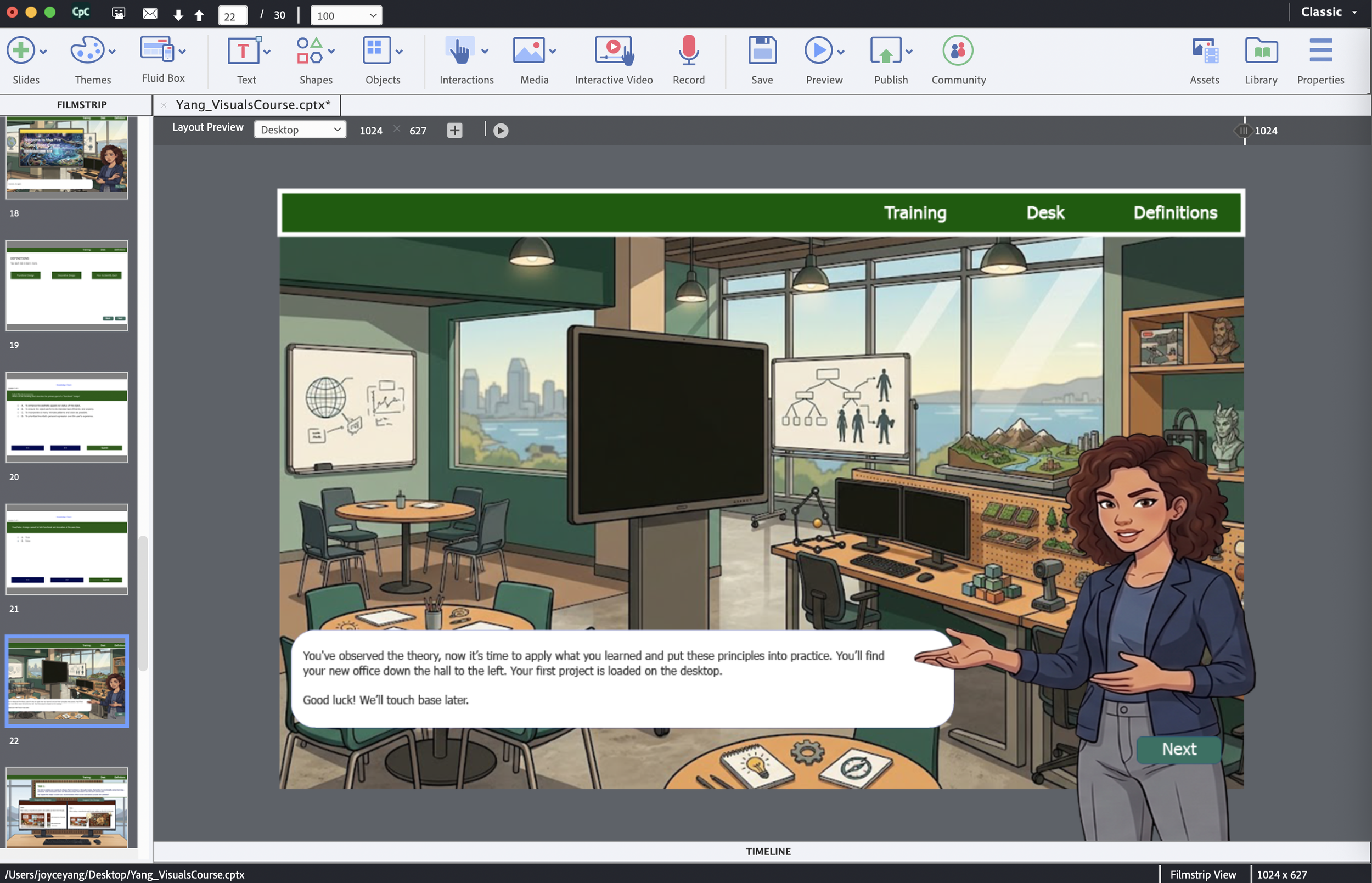
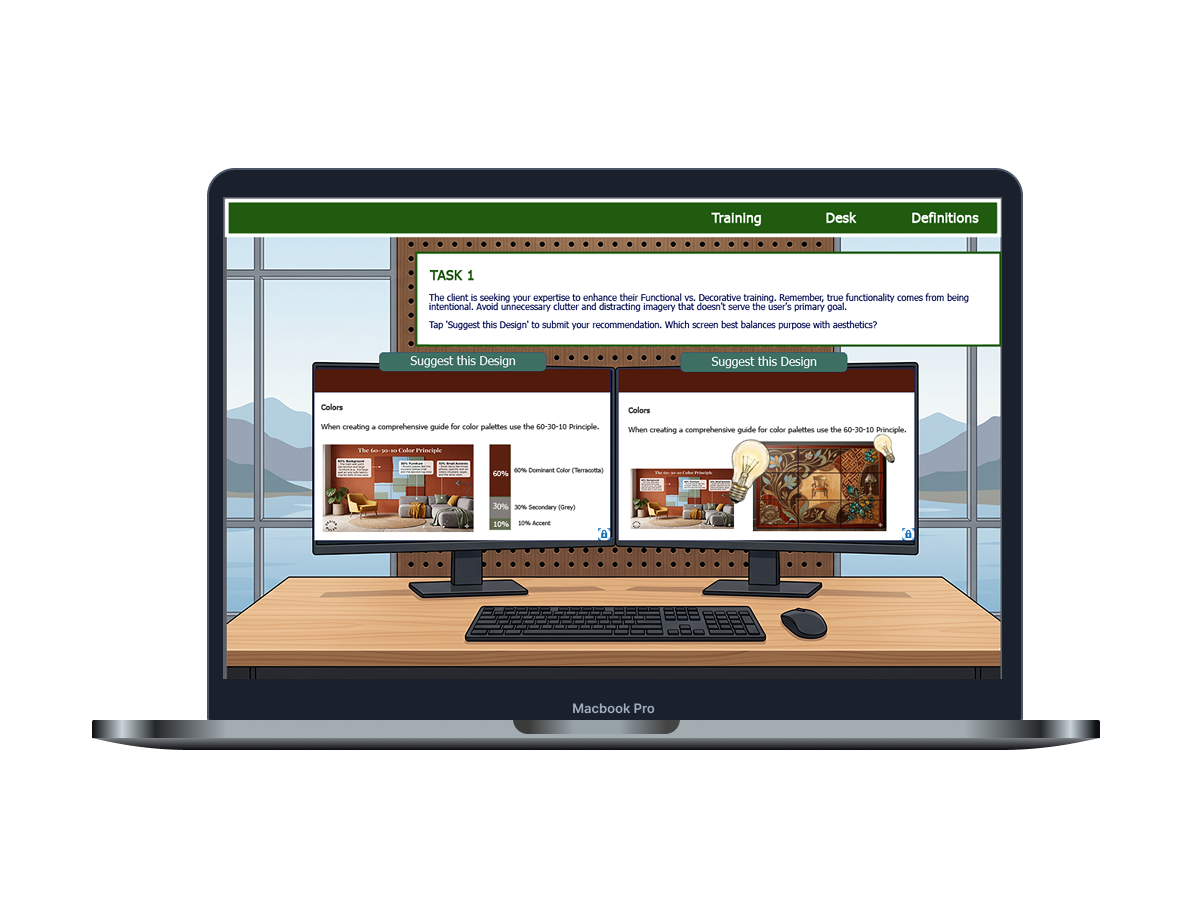
I started the design process with an analysis of the project requirements to address the core problem of managing learner cognitive load through visual design. An initial design document was drafted, outlining an Executive Summary, target audience parameters, prerequisite knowledge, and a high-level instructional roadmap. Originally, the blueprint encompassed a four-module series titled World-Building for IDs: Crafting Cohesive Visual Narratives, designed to cover environmental storytelling, cognitive load management, and branching logic. However, following a formative consultation to ensure the module adhered to a strict 5–8 minute micro-learning time limit, the scope was strategically narrowed to focus exclusively on a single critical topic: Functional vs. Decorative Visuals. A detailed storyboard was then constructed to map out the shortened user path, establishing a top navigation bar (comprising Training, Desk, and Definitions views) to ensure seamless, user-directed exploration.
Character integration & Variable Logic
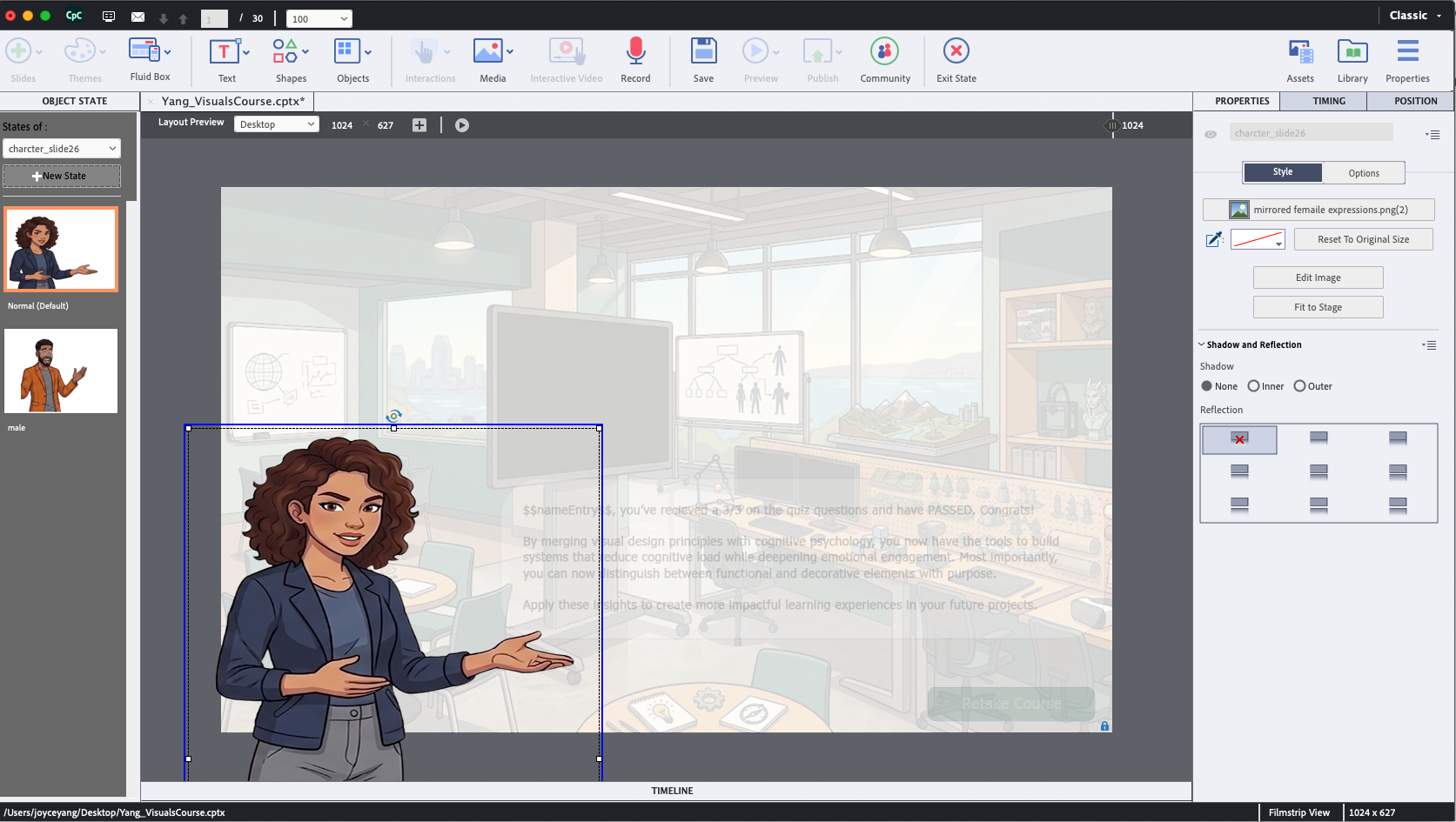
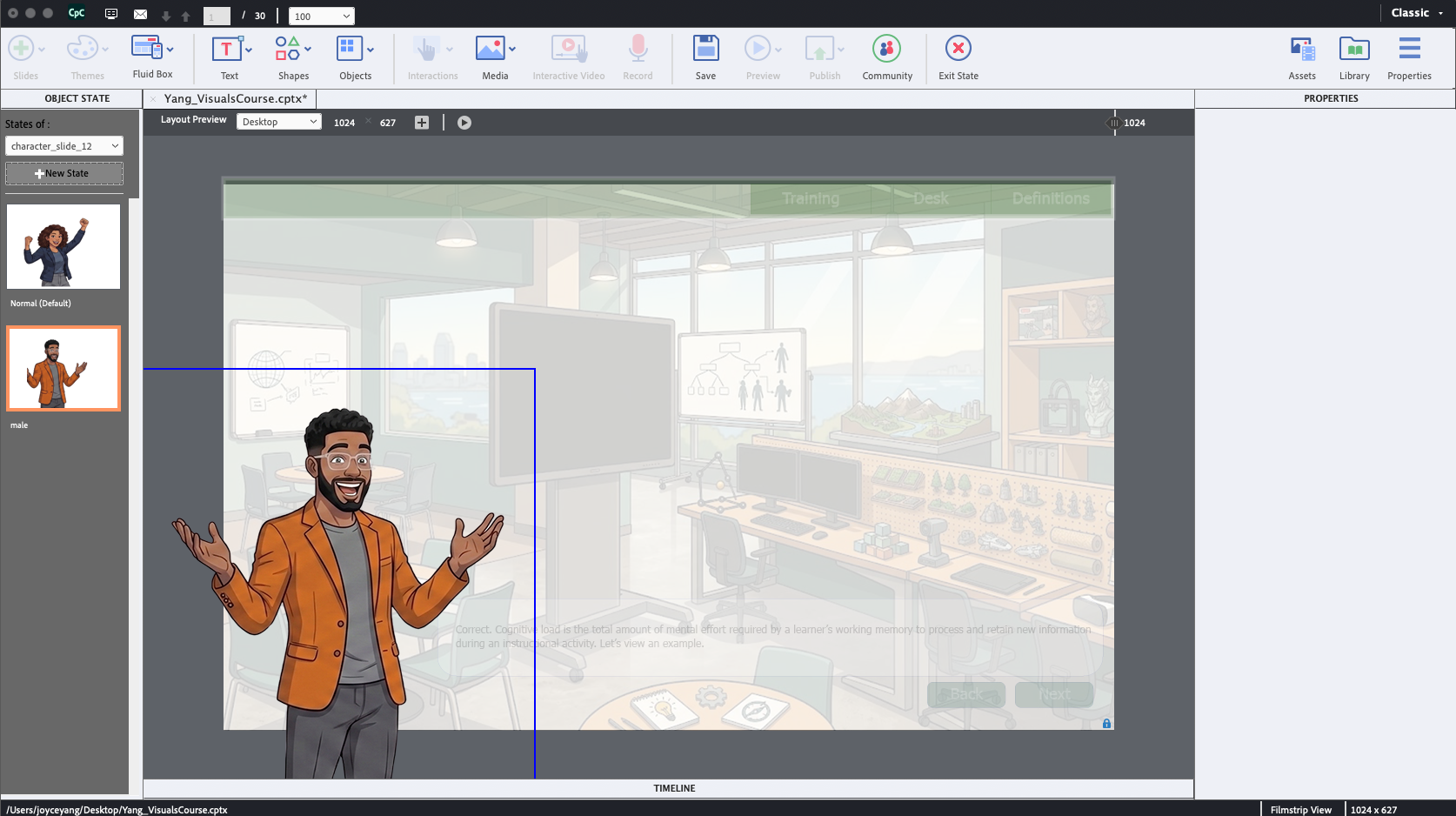
To optimize user engagement and create an interactive learning space, a multi-step character selection system was engineered within Adobe Captivate using custom variable logic. A dedicated variable, CharSelect, was established to track user choices and dynamically update the interface based on whether the learner selected the default female character or the alternative male character state. Advanced actions were programmed to execute these state changes across meticulously labeled slides while simultaneously unhiding critical user interface elements, such as the "Next" navigation buttons, to gate progression logically.
This variable logic extended into the course's structural design, which utilized a recursive framework where learners analyze visual design principles by interacting with a functional, self-referential environment. To preserve narrative continuity and environmental immersion, visual details—such as a consistent mountain view visible through the windows of both the main lobby and the dual-monitor office scene—were locked to the background. Furthermore, a strict visual hierarchy was maintained by assigning green exclusively to learner calls-to-action, aligning all navigation bars, buttons, and state changes with a predictable operational flow.
Results and Takeaway
The project successfully delivered a highly interactive, gamified micro-lesson that demonstrates the impact of purposeful visual design on cognitive load. Learner comprehension was assessed using a blend of informal knowledge checks with immediate feedback loops and a final three-question graded assessment. The system was programmed with conditional logic to calculate passing scores and serve one of three tailored performance summaries based on the user's final metrics. Quality assurance testing validated that the modern flat-illustration aesthetic, which blended "cozy-tech" and lo-fi design sensibilities, succeeded in building a believable and engaging learning environment.
A primary takeaway from this development cycle involved managing asset generation within a strict visual constraint. Achieving a cohesive style with soft cell shading required intensive, iterative prompting when collaborating with Generative AI. To mitigate stylistic drift, a successful strategy was deployed where the AI was prompted to generate its own optimization prompts for the desired look and feel. This process underscored the value of combining automated asset generation with precision manual editing, such as using Canva for background isolation and photoshopping assets to resolve scaling conflicts. Moving forward, future iterations would expand this module into its originally planned multi-part world-building series, replacing standard quiz layouts with immersive design challenges and introducing human voice-overs to maximize multimodal accessibility.