Demonstration Video
Video Editing
Audience: Instructional Designers, Graphic and Visual Designers
Responsibilities: Script Writing, Storyboarding, Visual Design, Filming
Problem Solved: Help designers understand how to use clipping masks to create visually interesting visuals.
Timeline: Aug-Sept 2025
Tools: Adobe Photoshop, Camtasia, PowerPoint
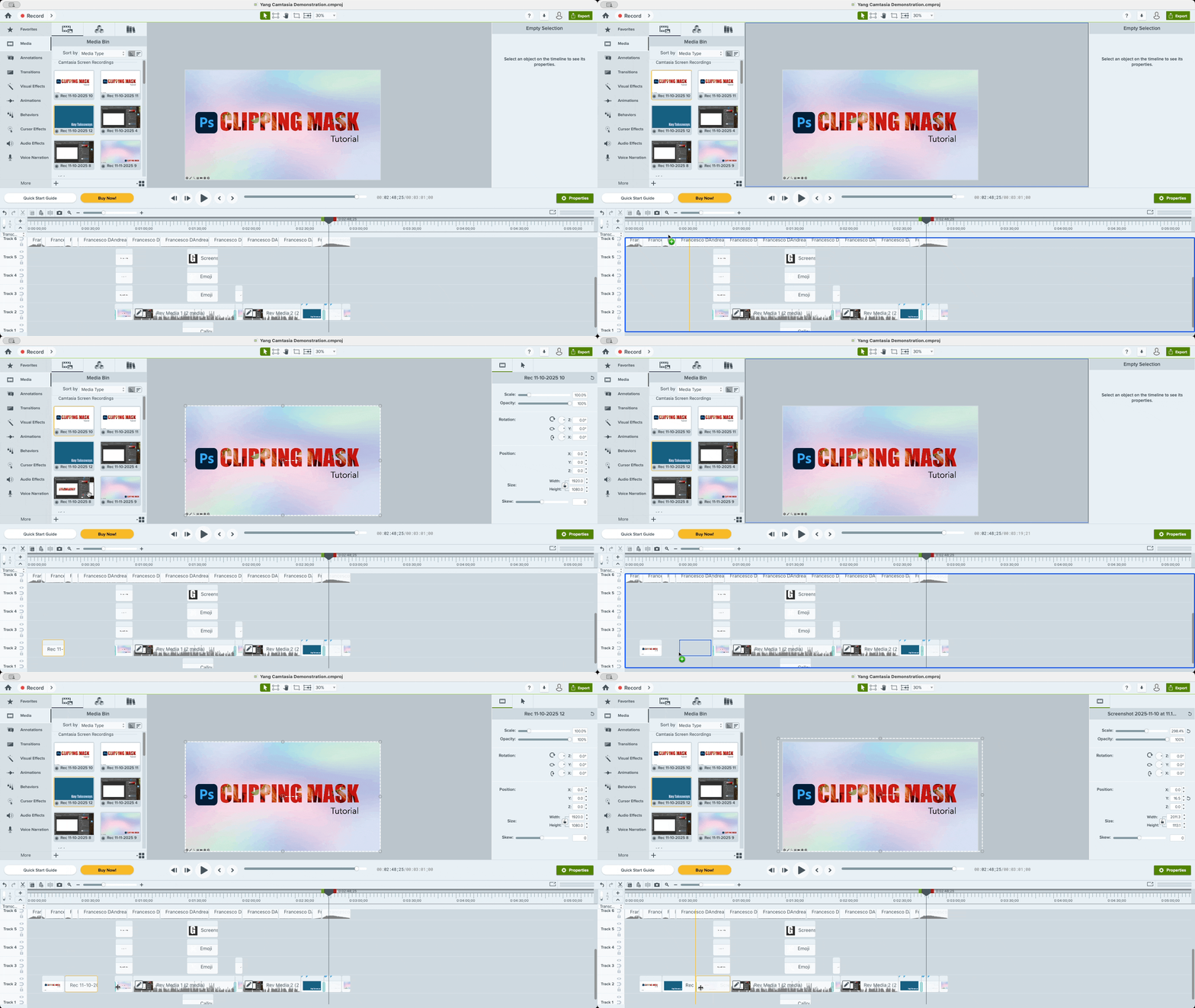
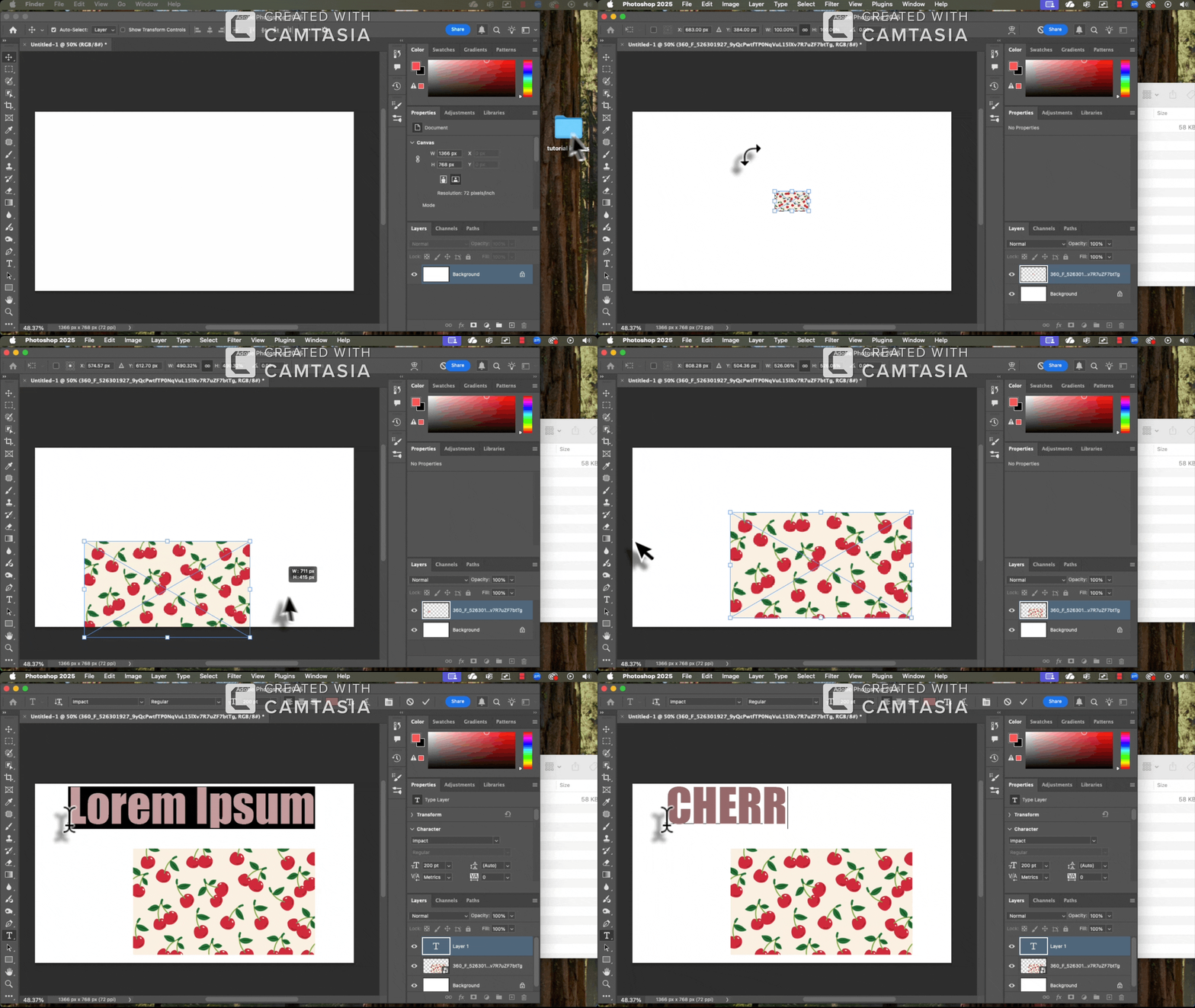
Asset Management: I imported the custom slides, screencasts, and graphics, along with background music, into the Camtasia Media Bin. Assets were strategically layered across the Tracks to establish pacing and structure.
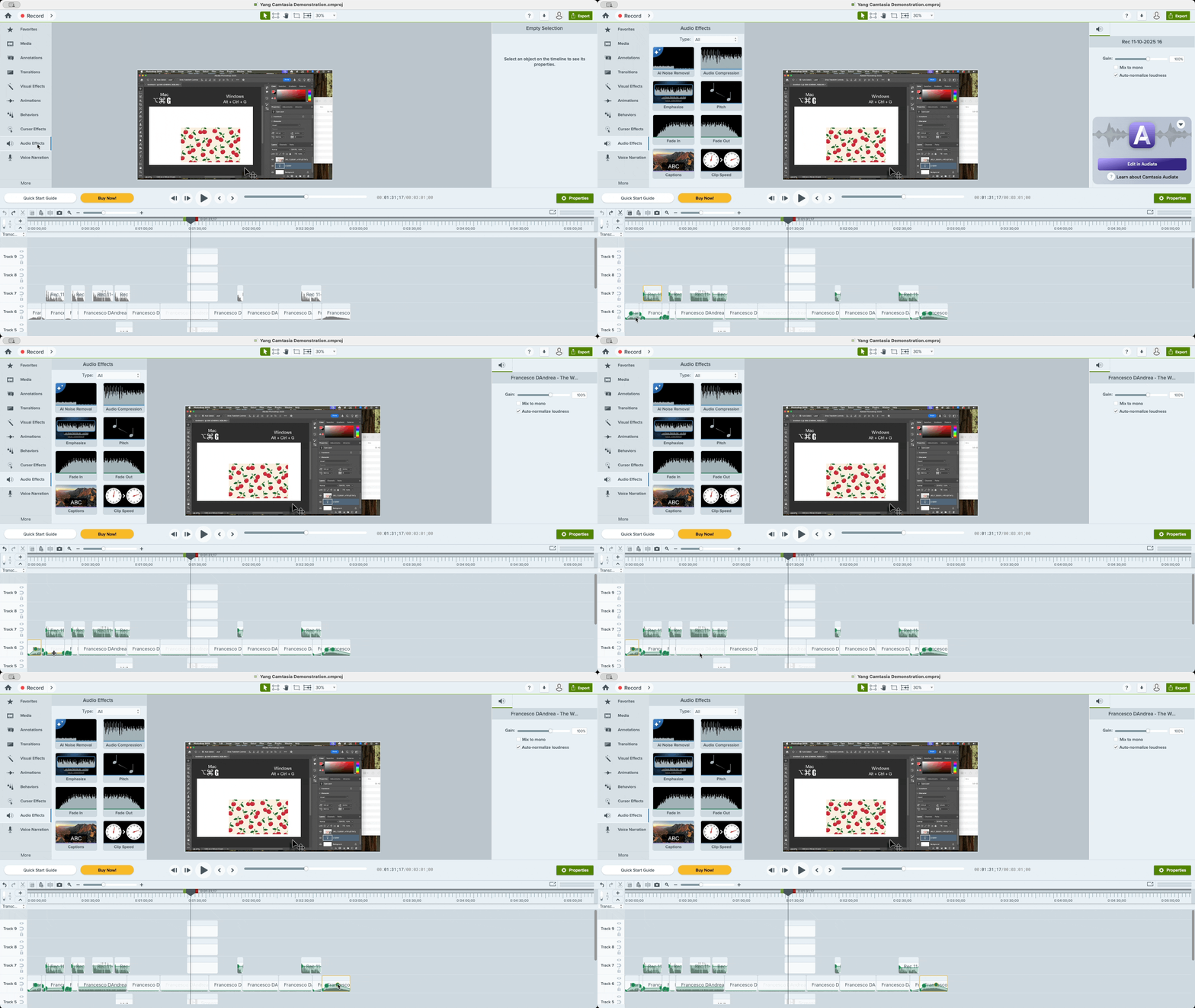
Audio: I performed audio editing to ensure a seamless listening experience. This included precision cutting of the musical score to fit specific segments of the video and the strategic application of "Fade In" and "Fade Out" effects. These transitions were used to create a professional auditory flow, ensuring the music complemented the narration without distracting from the instructional content.
Project Overview
This project involved the creation of a high-fidelity instructional video designed to simplify complex concepts through a combination of visual storytelling and audio narration. I managed the entire production lifecycle, from initial ideation to final rendering.
Process
Pre-Production & Storyboarding: I began by drafting a script and storyboard. This phase was critical for mapping out the learner’s journey and ensuring that the visual pacing matched the instructional narrative.
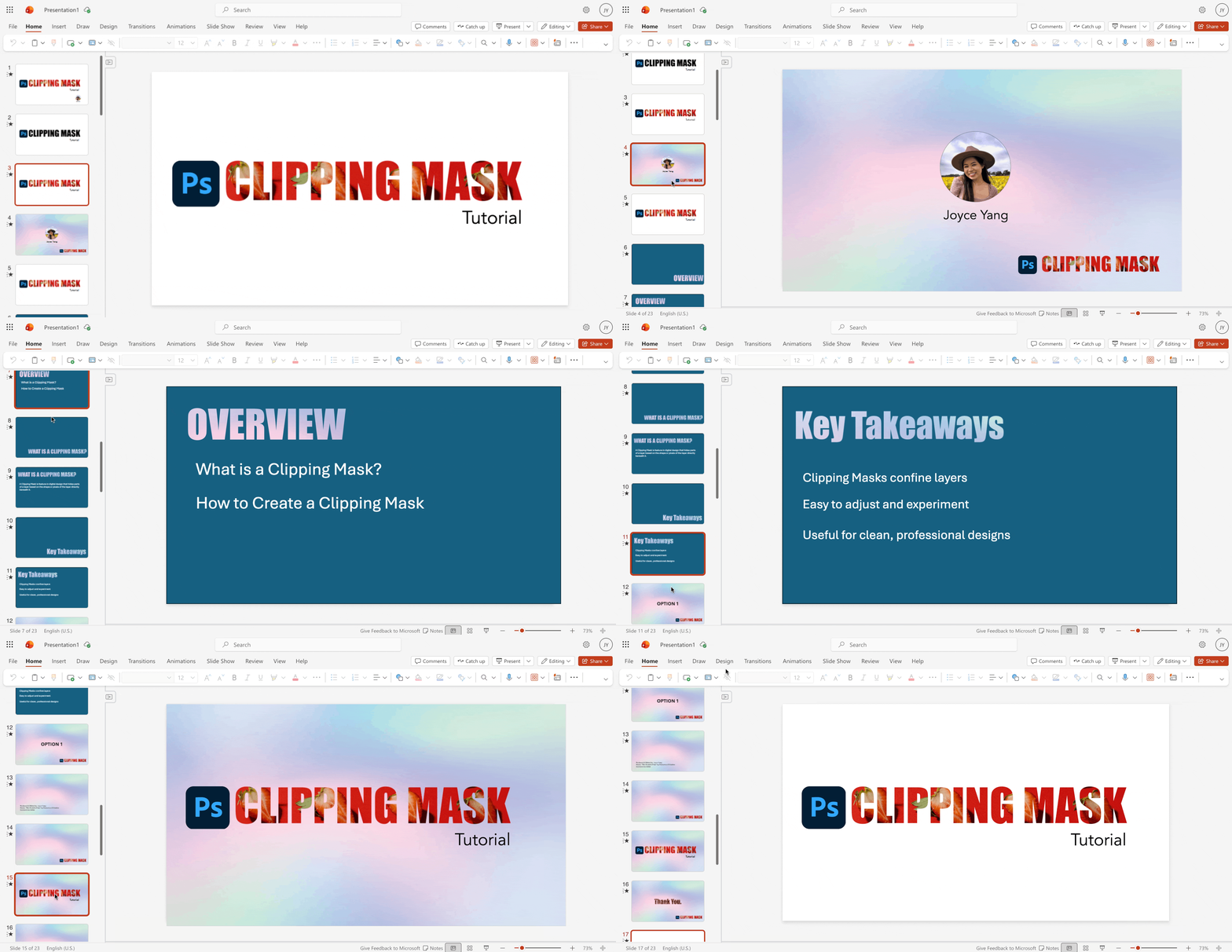
Asset Creation: Using PowerPoint, I designed custom visual backgrounds, headers, and key imagery. I focused on "Visual Problem Solving"—creating assets that were not only aesthetically pleasing but also optimized for information delivery.
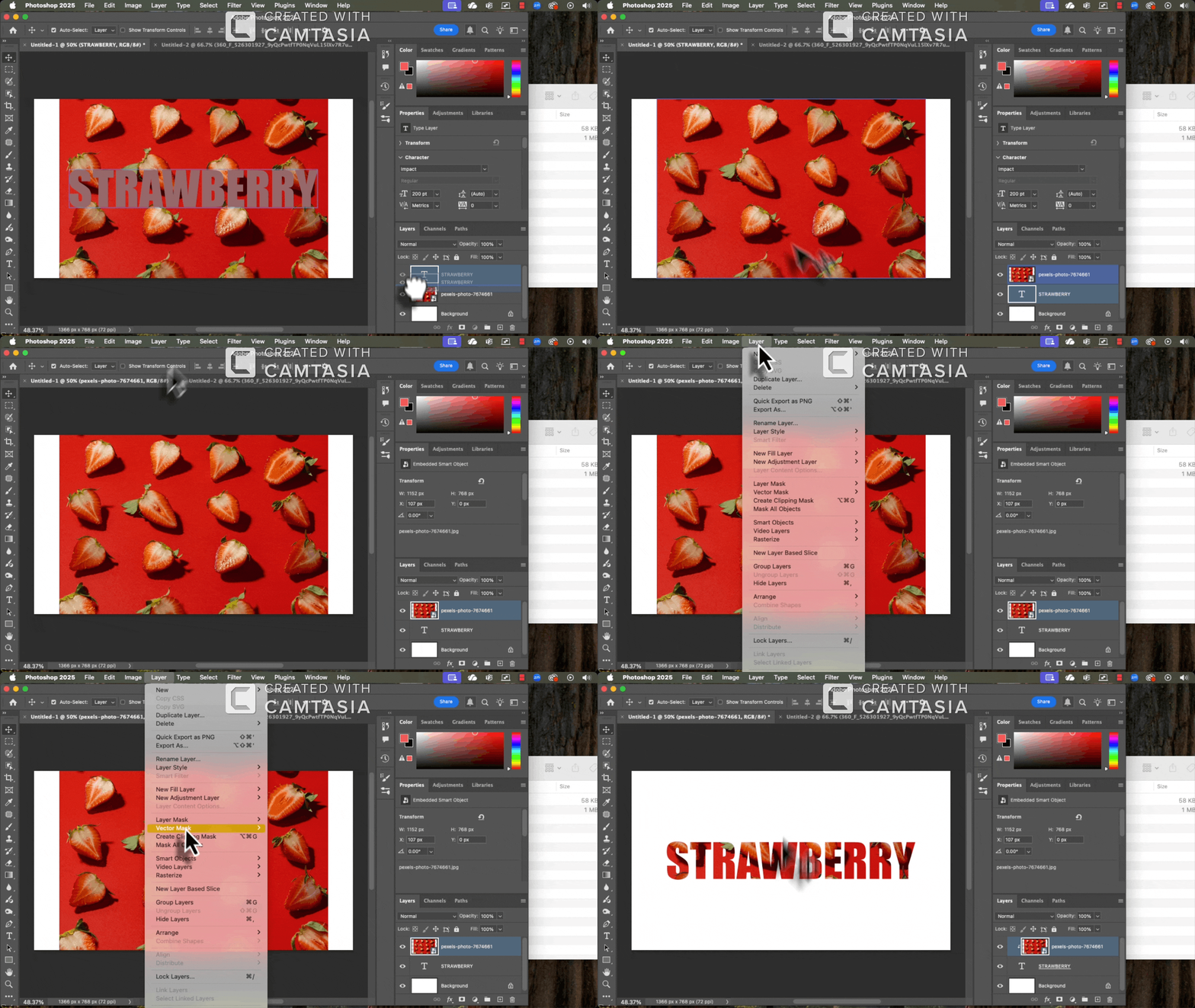
Screen Recording & Demonstration: I filmed a series of screencasts demonstrating the practical application of Clipping Masks in Adobe Photoshop. I recorded two separate videos to showcase different workflows: one focused on using keyboard shortcuts for efficiency and the other on walking through the Menu Bar (Layer > Create Clipping Mask/Vector Mask). These recordings featured real-time narration and screen sharing to provide clear, step-by-step guidance.
Takeaways
This project reinforced the idea that video editing in instructional design is about more than just "cutting clips." It is about visual problem-solving. By ensuring that every second of audio was supported by a relevant visual cue, from custom Photoshop headers to strategically placed text, and refining the auditory transitions with precision fades, I was able to lower the learner's cognitive load and create a more intuitive learning experience.