Accessibility Audit Adventure
Storyline
Understanding and implementing accessibility can feel overwhelming. This microlesson explains the 4 pillars of accessibility (Perceivable, Operable, Understandable, and Robust) in a clear, welcoming way using a “cozy-game” aesthetic.
Launch ExperienceOverview
Accessibility Audit Adventure is a micro-learning course that introduces digital accessibility to visual designers, instructional designers, and UX/UI students. Using a cozy-game aesthetic, the course turns the Web Content Accessibility Guidelines (WCAG) into a low-stress island adventure. Learners explore the four pillars of accessibility (Perceivable, Operable, Understandable, and Robust) through hands-on problem solving rather than memorization.
Built between February and March 2026 in Articulate Storyline, the project covers scriptwriting, storyboarding, custom visual design, and interactive development. Its structure applies Gagné’s Nine Events of Instruction and the ARCS Motivation Model through click-to-reveal exercises, branching scenarios, and custom Generative AI artwork.
Process
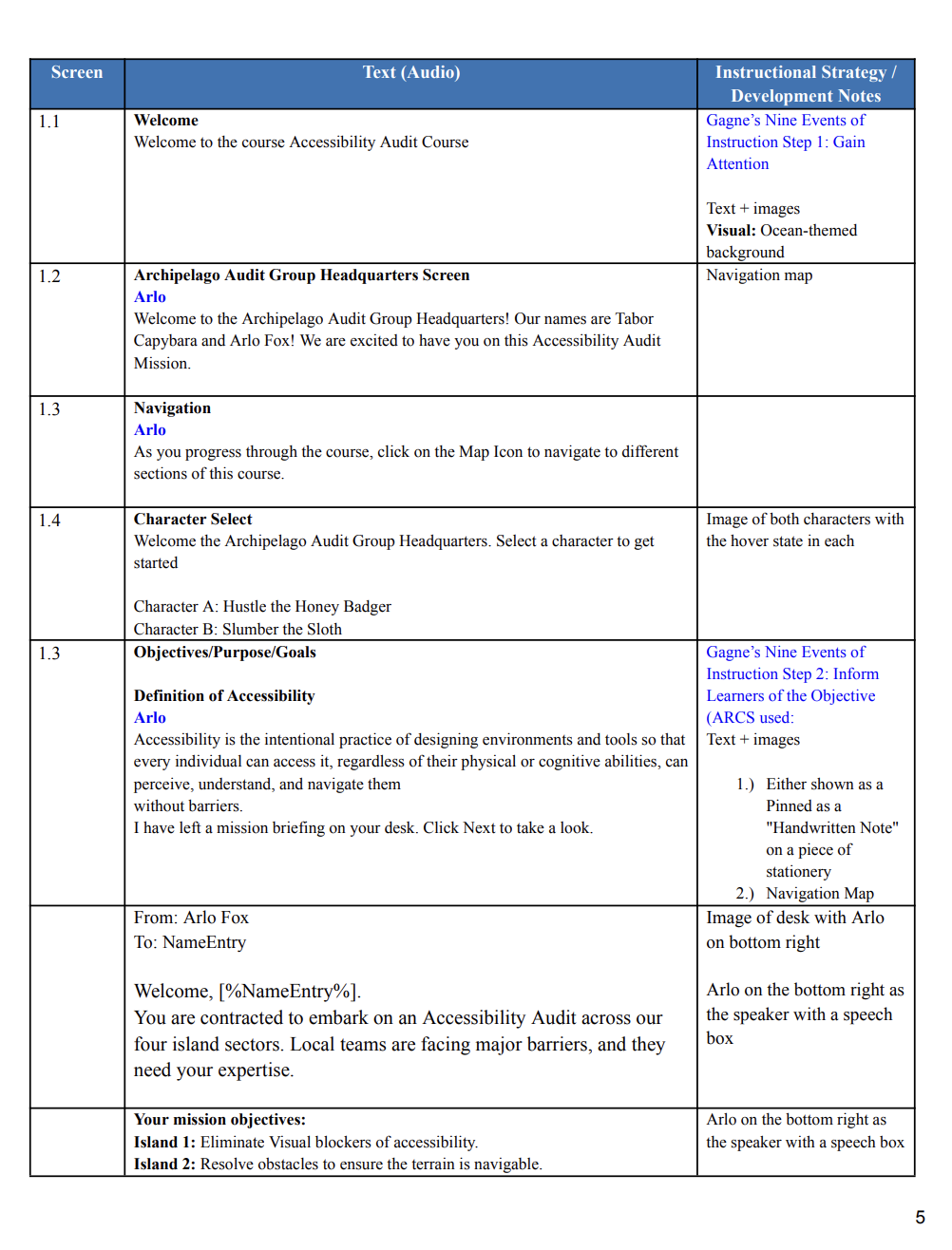
Analysis: I wrote a design document covering the executive summary, target audience, and instructional strategies, then drafted a slide-by-slide storyboard for the welcome screen, navigation, objectives, terminology, island scenarios, quizzes, and feedback.
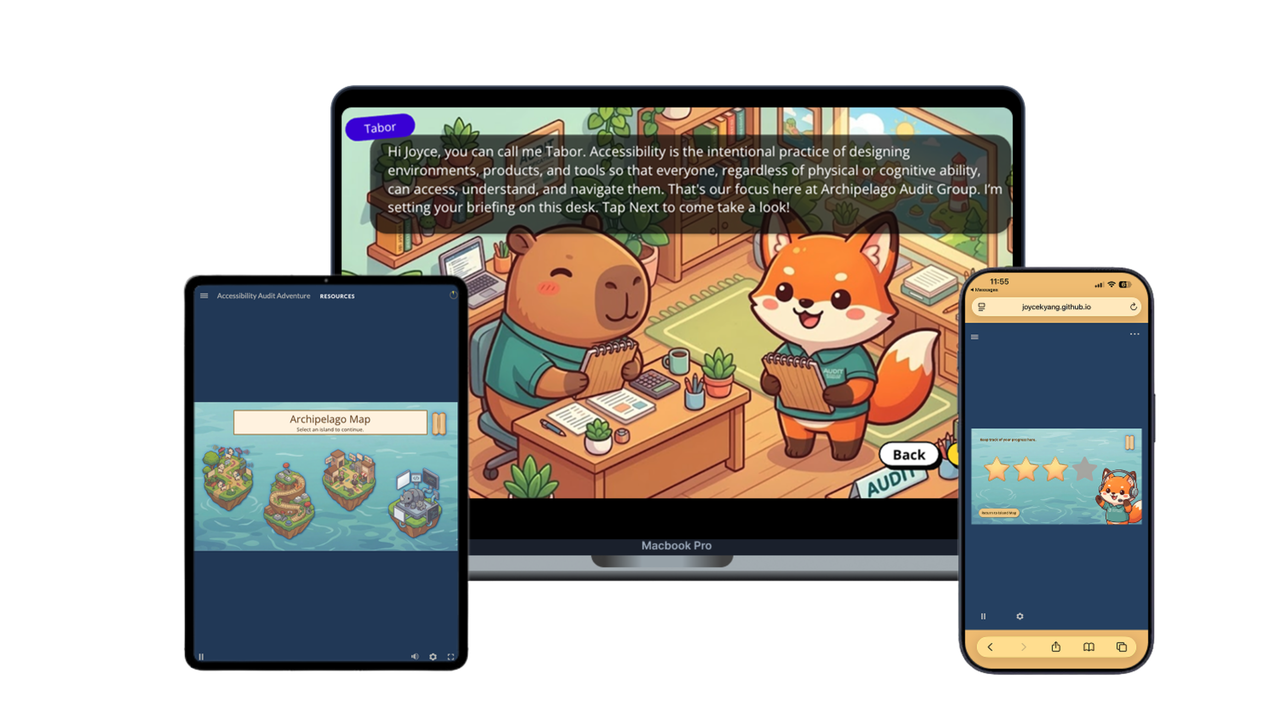
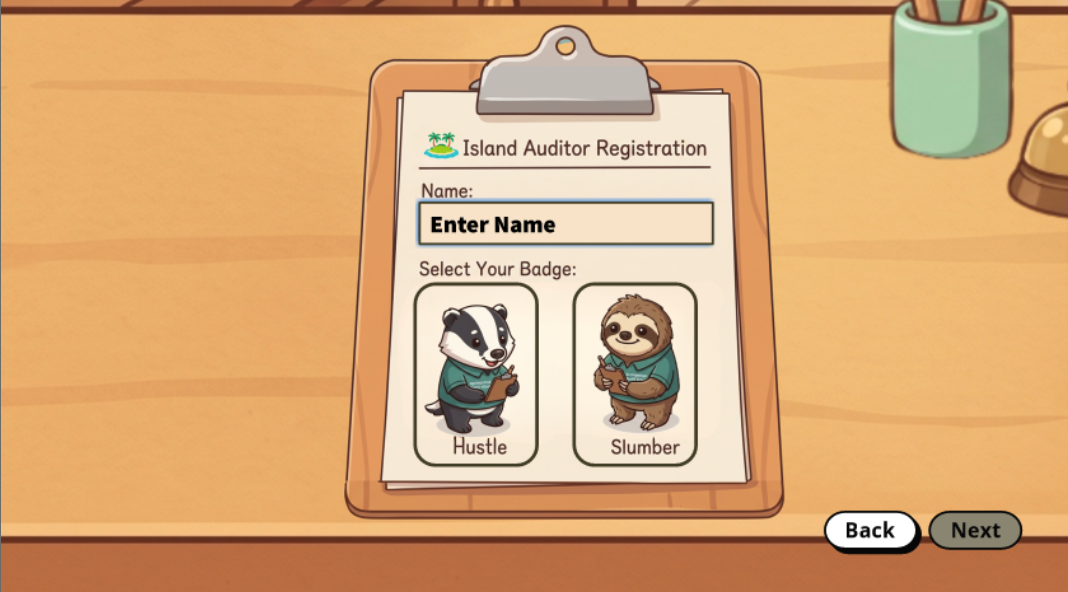
Design: I established a cohesive cozy-game visual style, generated custom illustrations with Generative AI, and built out the interactive slides in Articulate Storyline. I created two Archipelago Audit Group managers, Tabor Capybara and Arlo Fox, along with two playable characters, Hustle the Honey Badger and Slumber the Sloth. To keep character cutouts sharp, I used Canva’s background remover instead of tools that downscale resolution, and I wrote alt text for every image to support screen readers.
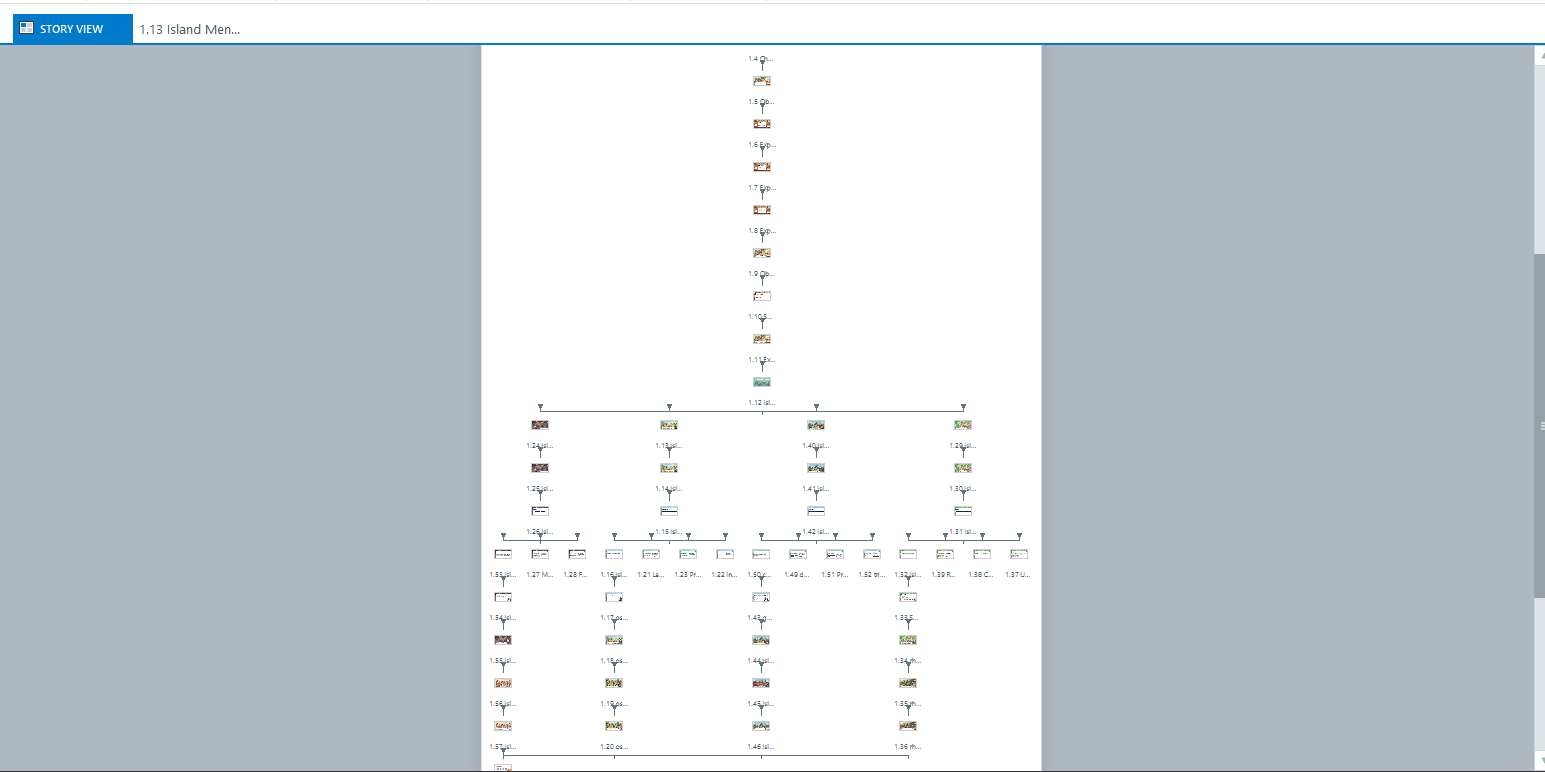
Development: I built four playable island branches, each focused on one WCAG principle:
Island One: Perceivable
Information must be presented in ways learners can see or hear. Learners help red-green colorblind goats tell safe foods from poisonous ones by proposing clear, icon-based signage.
Island Two: Operable
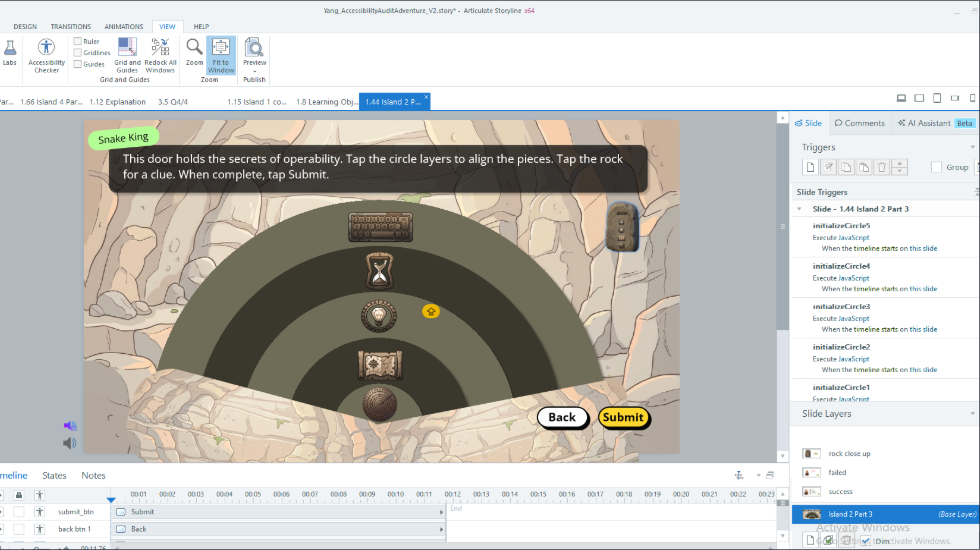
Interfaces must be navigable for all users. Because the island's snakes only have access to stairs, learners propose universal ramps to support mobility across the environment.
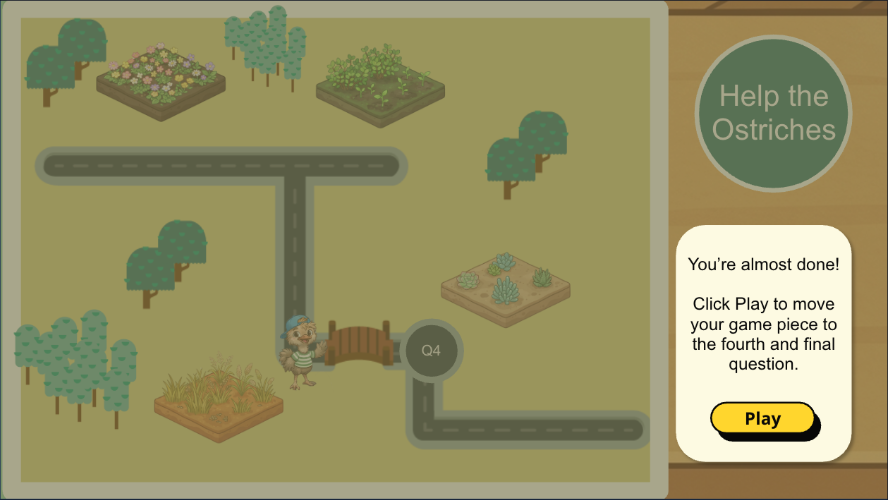
Island Three: Understandable
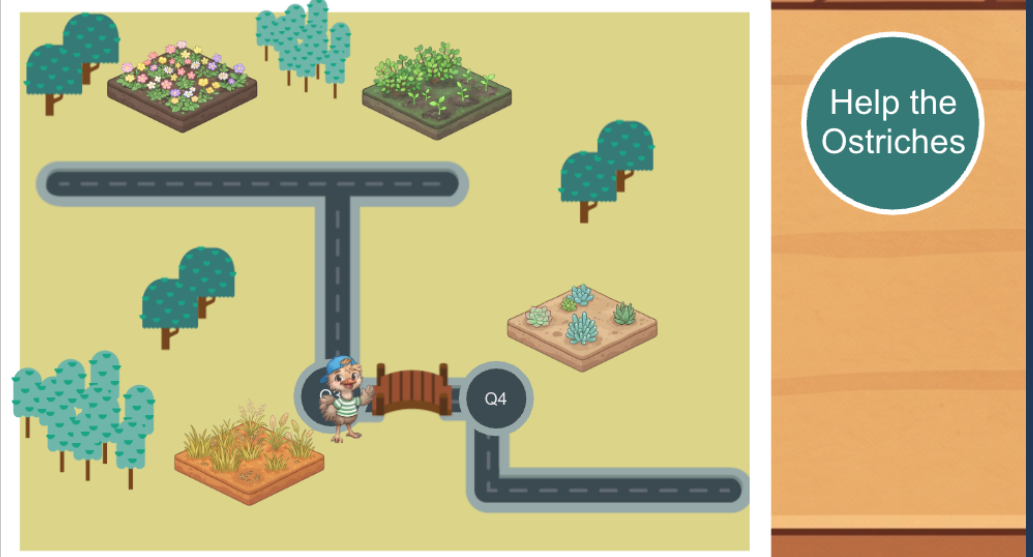
Content and navigation should be clear and predictable. When ostriches struggle to locate snacks due to confusing signs, learners recommend plain language and consistent signposts.
Island Four: Robust
Technology must adapt to different user needs. Learners help rhinos of varying sizes ride a roller coaster safely by proposing adjustable ride boxes with multiple seatbelt lengths.
Storyline Features Implemented
1. Custom Variables
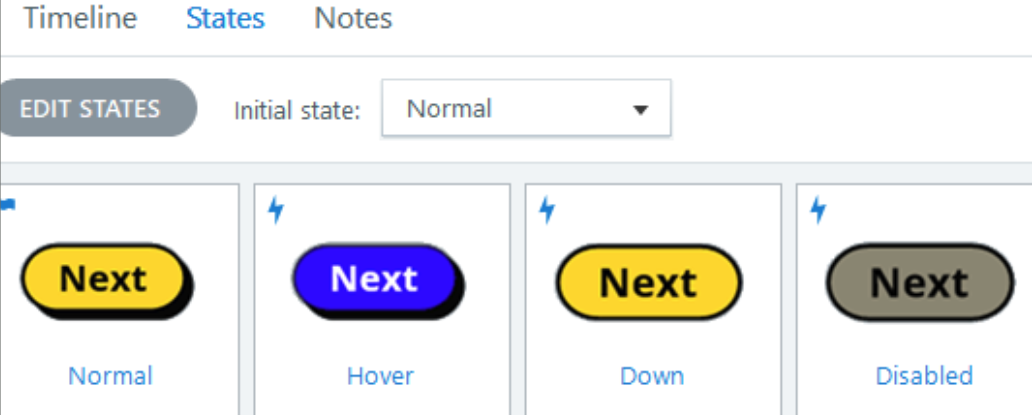
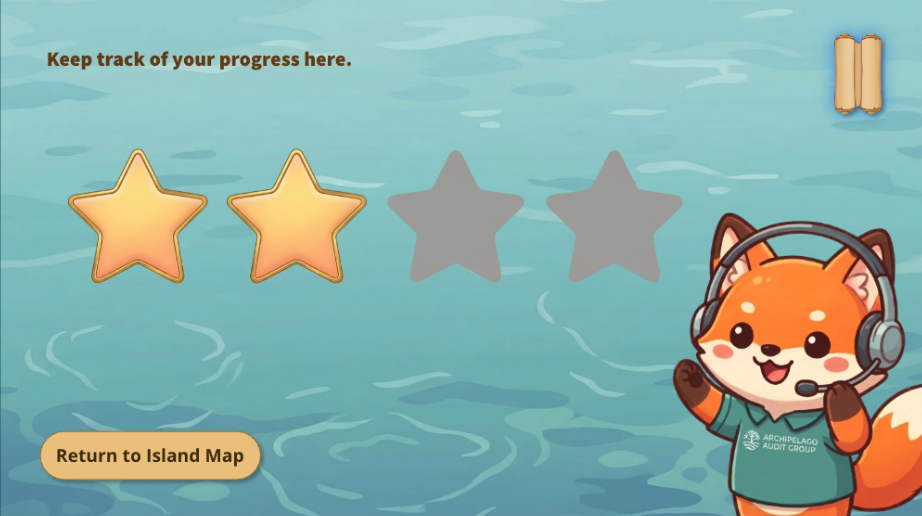
Custom variables (such as Char_Select) lock specific Next buttons until learners enter their name and pick a character. Additional variables track stars earned, islands visited, and terminology reviewed. These mechanics support Keller’s ARCS Model by building attention through island variety, confidence through task completion, and satisfaction through star rewards and constructive feedback.
2. Custom Navigation
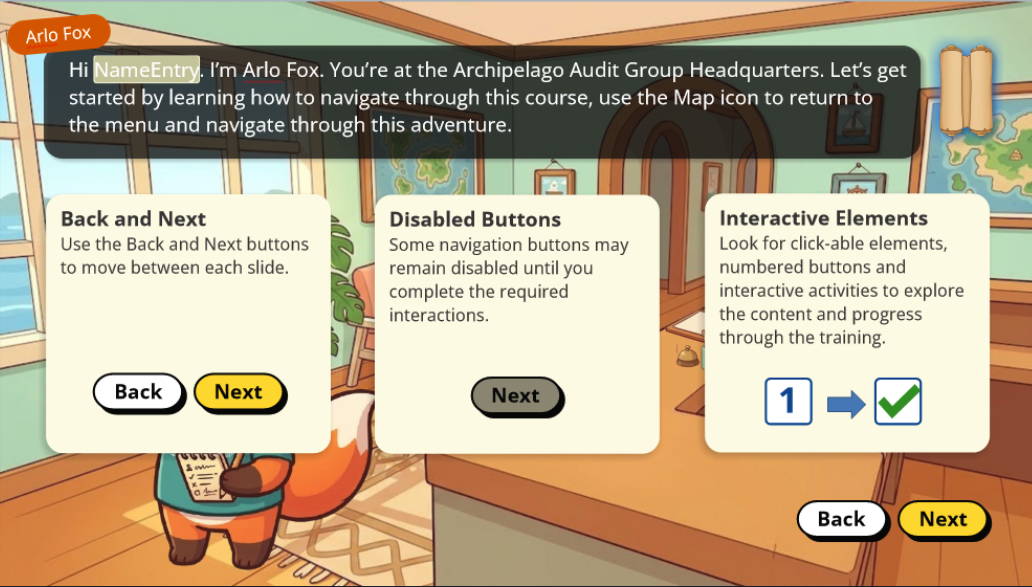
A custom menu icon (styled as a rolled-up map) features distinct hover and selected states. Learners practice using the map early in the course so they can jump back to any hub or review slide at any time.
3. Slide Layers
To prevent visual clutter and manage cognitive load (Sweller’s Cognitive Load Theory), scenario prompts, puzzle states, and feedback live on separate slide layers rather than a single crowded timeline. Conditional triggers control layer visibility, allowing learners to check clues or retry interactions without losing their progress (Mayer’s Signaling and Segmenting Principles).
4. Custom JavaScript
Because Articulate Storyline lacks smooth cumulative rotation on its native timeline, I wrote custom JavaScript triggers using CSS transforms and GSAP properties to power the stone puzzle mechanics. Each click rotates an individual puzzle piece incrementally until all pieces align to the target angle, automatically unlocking the next story state.
5. Audio Sound Effects and Character Voices
Subtle stone-shifting sound effects trigger alongside each JavaScript rotation to give clicks immediate physical feedback (Temporal Contiguity). Each character also has a distinct conversational voice profile so learners can easily tell speakers apart during dialogue scenes.
Design Style
Instructional Alignment: I structured the experience around Gagné’s Nine Events of Instruction: gaining attention on the welcome slides, stating mission objectives, stimulating recall through an ungraded warm-up question, presenting content across four islands, providing guidance via character dialogue, eliciting and assessing performance through island quizzes with immediate feedback, and enhancing transfer with a "Great work!" memo and headquarters wrap-up encouraging real-world accessibility advocacy.
Cozy-Game Visual Aesthetic: Inspired by games like Nintendo’s Animal Crossing, I designed an illustrated aesthetic featuring chibi characters, clean vector linework, flat-isometric perspectives with soft cel-shading, and storybook backgrounds. Pairing this relaxing atmosphere with a star-based point system kept learners motivated throughout the island adventure.
Controlled Navigation & Layout: While I used Articulate Storyline’s Next and Back buttons for standard pacing, I selectively disabled them on interactive screens so learners had to explore terminology buttons or close pop-ups before advancing. To protect variable states and story continuity, the navigation menu restricts direct jumps to three safe hubs: the Mission page (preventing mid-course character changes), the Island Map, and the Awards page.
Challenges Encountered
Because the course characters and backgrounds were AI-generated, maintaining a consistent visual style required careful prompt refinement across multiple iterations.
For the rolled-up map navigation icon, I started with a base reference image, used Gemini to restyle it into the course's cozy-game aesthetic, and manually edited small details in Photoshop. I repeated the same process with a second reference asset to create a matching selected state for the menu icon.
Takeaways
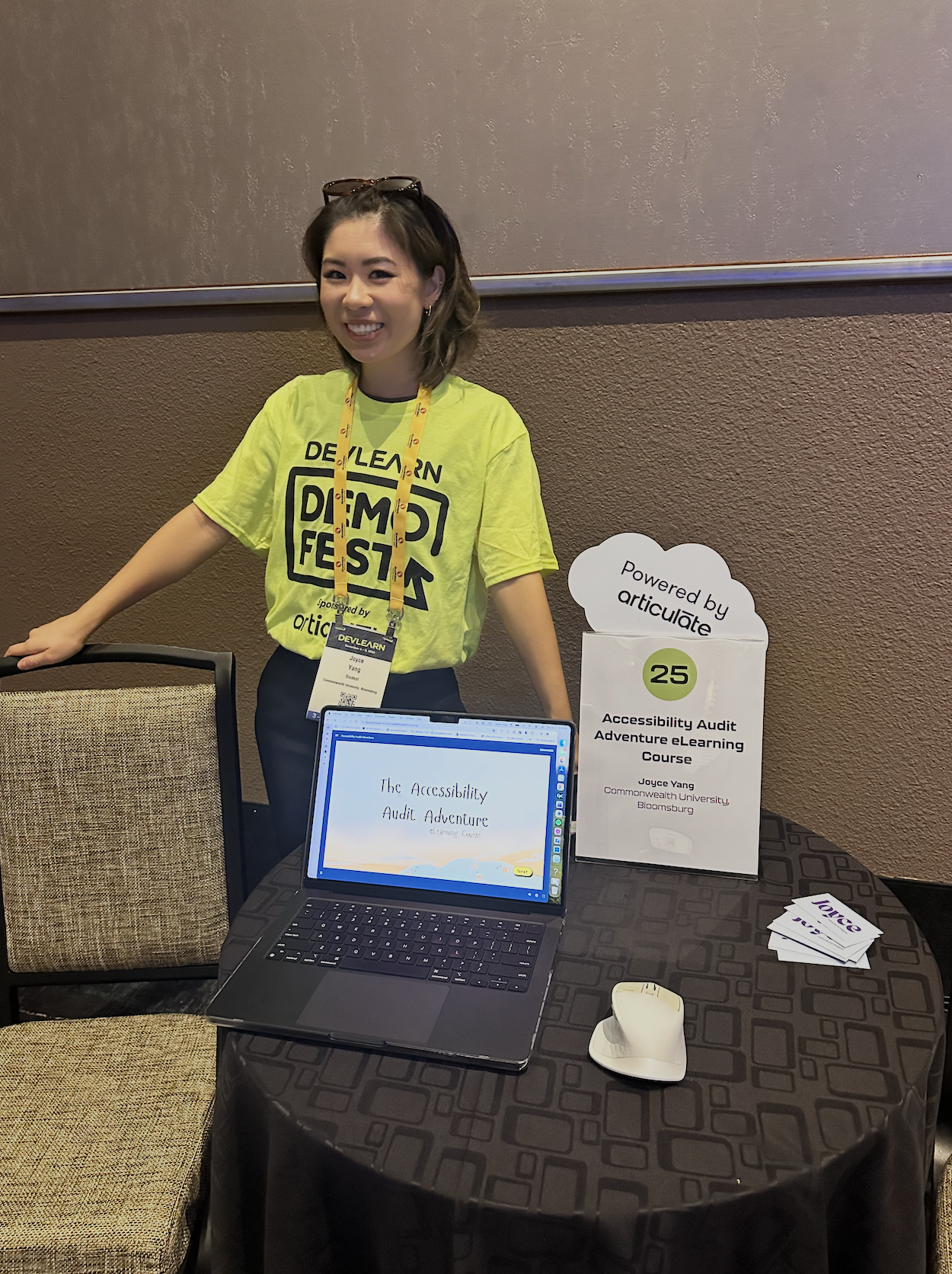
After several rounds of iteration, I showcased Accessibility Audit Adventure at DevLearn DemoFest in Las Vegas on November 5, 2026.
Building this course strengthened my end-to-end instructional design workflow, deepened my technical skills in Articulate Storyline, and taught me how to prompt generative AI for visual consistency across scenes. In a future iteration, I would record custom voiceovers for each character to add more vocal variety and personality.